
Start with the step where audio stopped. SpicyChat documents reply playback and has a separate help page for generation errors. A message about voice allowance calls for a different check from a completed message that plays silently.
Use one short fictional line
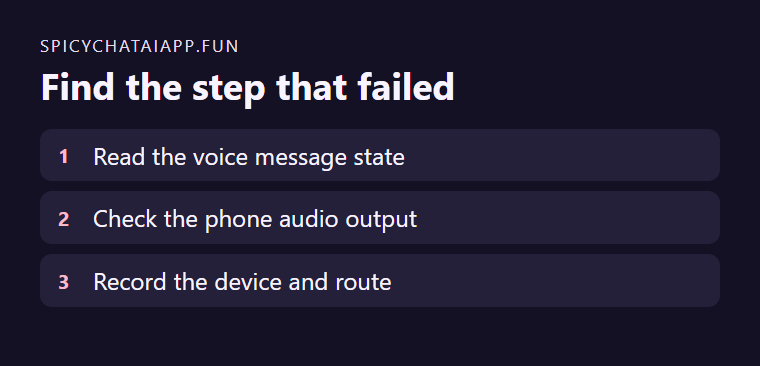
Open a reply you recognize from its text and check the player. If the app reports an error, save the wording and time. If the player runs, check media volume and whether the phone sends audio to another device. Keep the route steady while checking one thing at a time.
Capture evidence without forwarding a conversation
Record the device, browser or app version, player state and error text. A harmless fictional line can reproduce the result. The provider’s current help can clarify whether the message concerns usage or a playback failure.